Starting download…
Thanks for downloading! A few steps left.
Your download will begin automatically. If it didn't start, download TalkPilot manually.
- 1
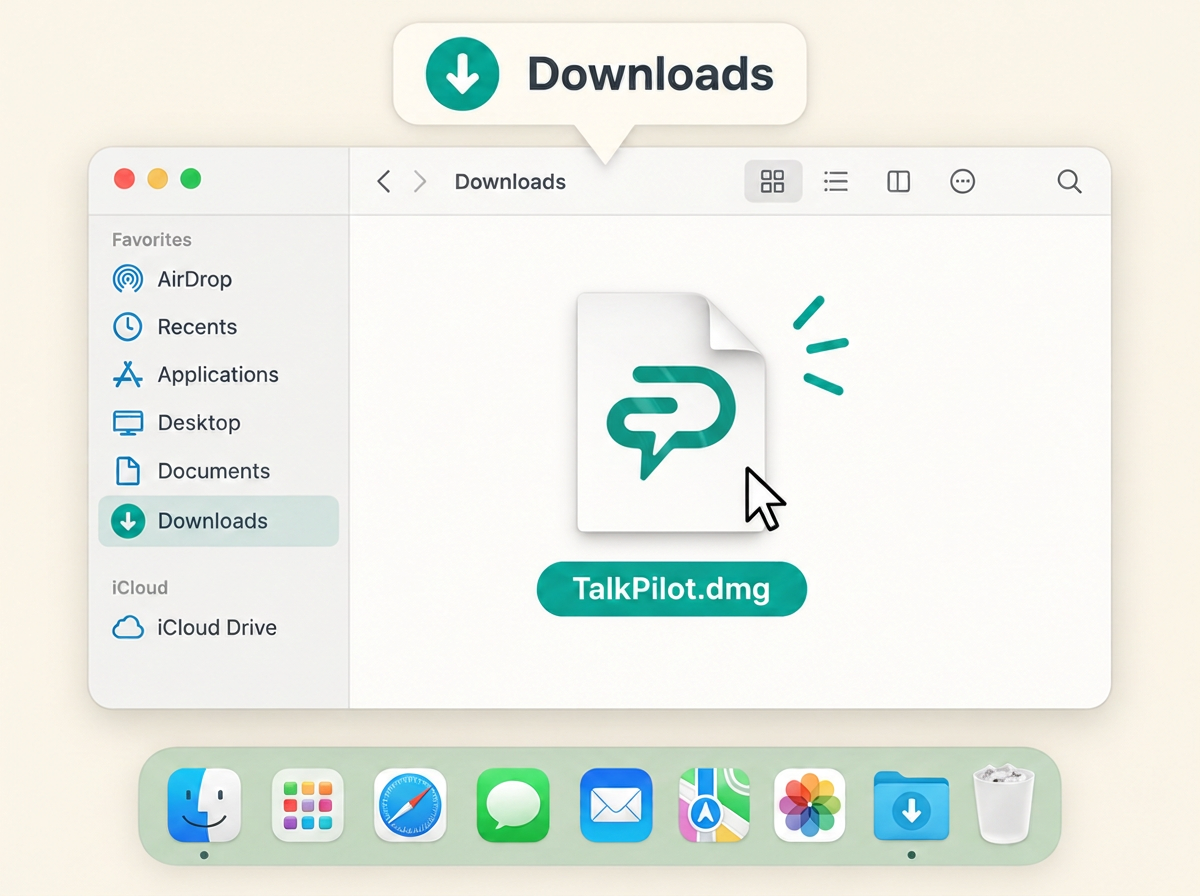
Open TalkPilot.dmg
Find it in your Downloads folder and double-click to open it.
- 2
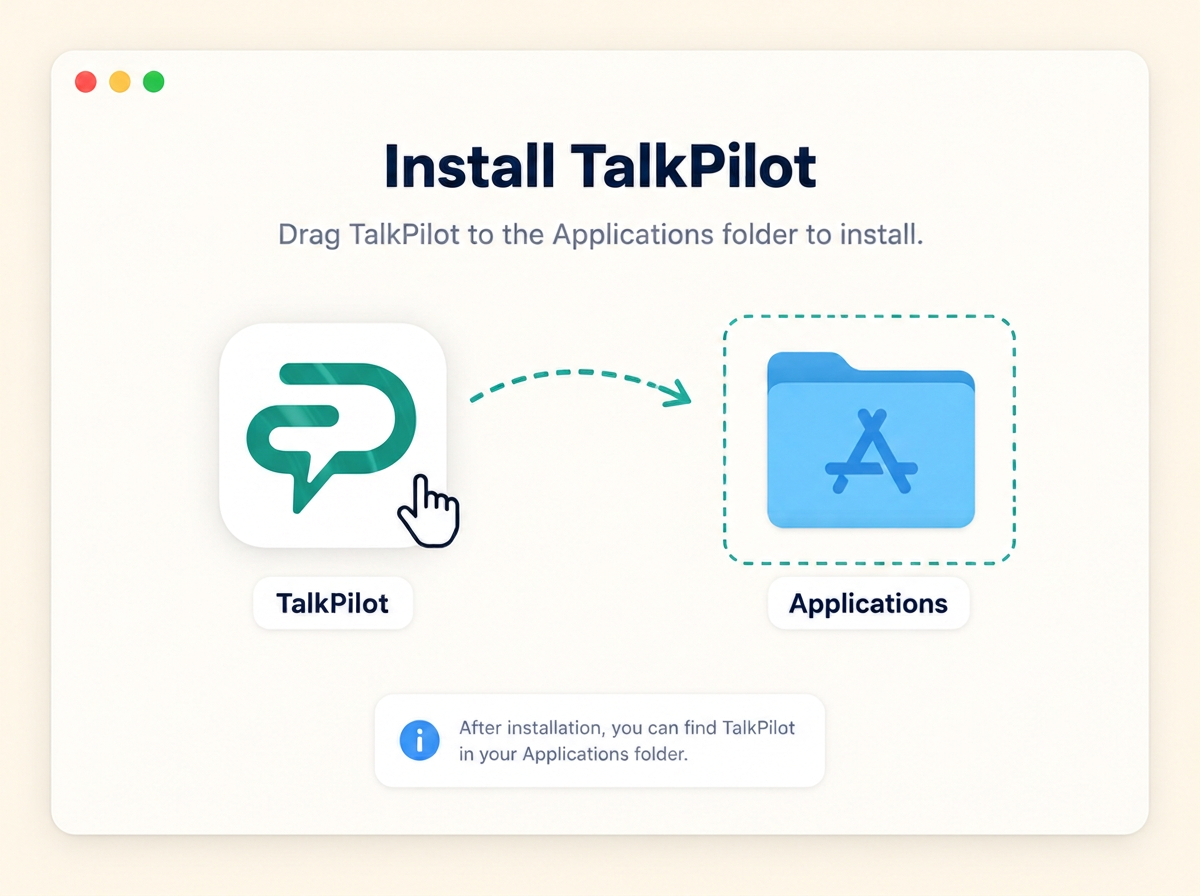
Drag to Applications
Drag the TalkPilot icon into your Applications folder.
- 3
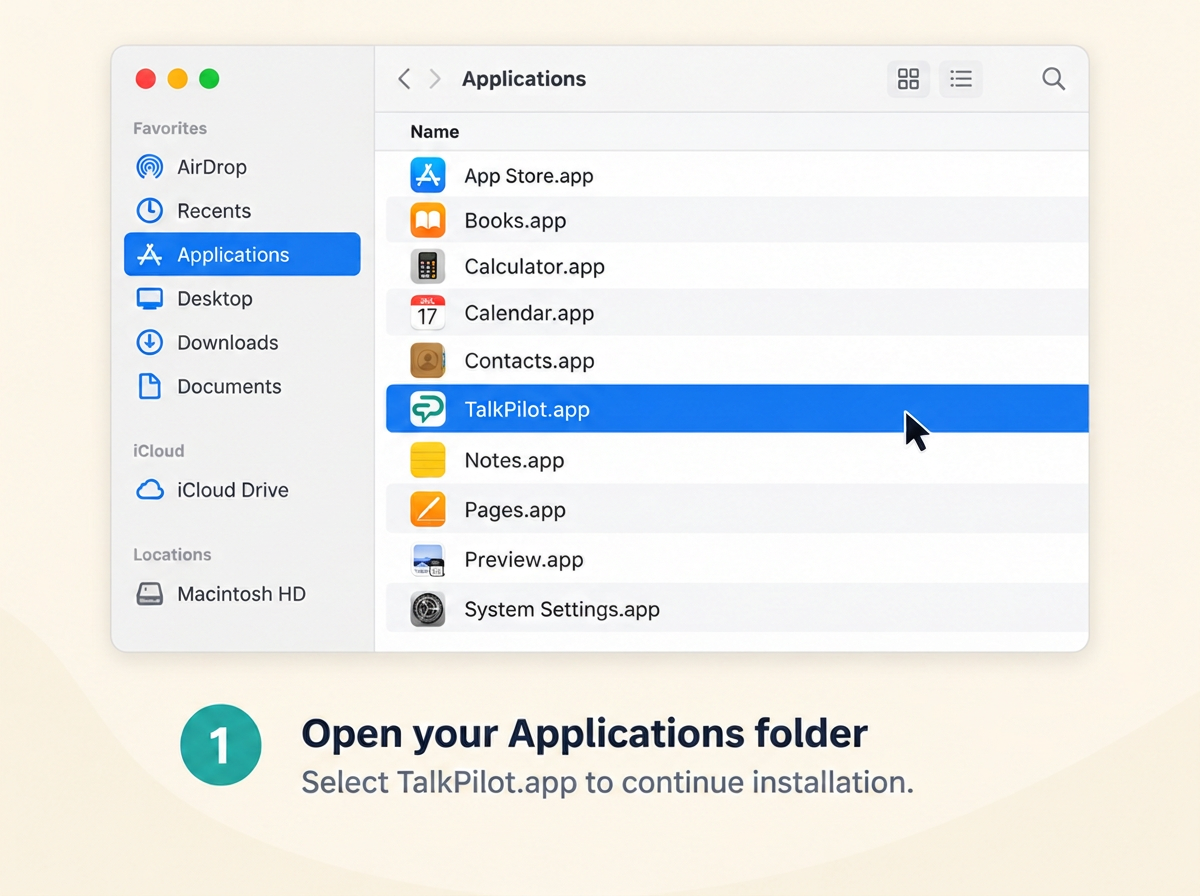
Launch TalkPilot
Open the app from Applications and create your free account, or sign in.
Then, before your first call
Allow the mic and your Mac's audio
When TalkPilot asks, allow both. Your mic is you, and your Mac's sound is the other people on the call.
Press Start when your call begins
It works alongside Zoom, Google Meet, Microsoft Teams and Webex, and no bot joins. Click Assist when you need your next line.
Requires macOS 13 or later · Universal (Apple Silicon and Intel)